preload
Aug 10

My young niece has an iPod touch that has been working fine for her, but recently the headphone jack has become unreliable, and she can’t listen through headphones. One or both channels keep cutting out.

Apple appears to have done a good job with the headphone jack on the touch, even using gold plated contacts. However this unit has done very hard service with continuous use by kids and probably cats and dogs, too, and the jack is just worn out.

Typically, any repair of a modern electronic device like the iPod costs almost as much as a new one. So what to do?

One could buy and use a wireless Bluetooth stereo headset. It’s a neat idea, and her iPod is one of the models that supports it. But they are kind of expensive, and we’re on a kid’s budget here.

How about the dock connector? Is there some way to get audio out of that? Turns out there is.

I found an inexpensive product to do just that. However with the dock-connector solution, you don’t get volume control, so you need some way to adjust the volume. So here’s the complete solution, in two budget products.

Adapter

Dock-to-Female Headphone Jack Connector

Volume Controller

Volume Control


This entire deal costs $12.50 before shipping and tax. The local Radio shack had the volume control cable, but the other connector had to be ordered. The dock connector is an especially great deal for $3.51, and could be useful for connecting iPods and iPhones to various components.

The volume control is even smaller than it looks, so the whole setup won’t be too unwieldy.

Update: The dock connector has been received, and all is working great! Note: the photos above are links to the sites selling the products.

-Jamie

Google Buzz
Tagged with:
Jan 16

Updated Jan 17, 2010

Q: When is a playlist not a playlist?

A: When it won’t play.

I have an iPod Nano, 2nd generation. I have a pretty simple routine for using it. I have two smart playlists in iTunes that I sync with the Nano, one contains music, and one contains podcasts. Every week, I update the podcasts, randomize the music, and sync my iPod. I always leave my iPod set to “shuffle songs”. Whether I am listening to music or podcasts, I want to pick the next one randomly. I don’t want to listen in alphabetic order. I listen to my iPod primarily in the car, and mostly listen to podcasts as opposed to music. I typically have several episodes of each podcast in the playlist. While driving, when one podcast ends, I don’t want to fiddle with my iPod, I just want it to start playing the next podcast. I also don’t want to listen to all the episodes of a single podcast before hearing any of the others. (Who could stand 4 episodes of Car Talk in a row?) None of the available sort orders in iTunes seems right. Date Modified seemed like a good choice, but some providers modify a lot of their podcasts at the same time, so I would get, say, a bunch of NPR podcasts in a row. So the best for me is random, aka shuffle. If I do hear the same one twice, or something I don’t like, all I have to do is hit the next button on the iPod to skip past it.

Way back in 2006, this stopped working for me when I upgraded from firmware 1.1.1 to 1.2. As I understood the situation then, in iPod Nano firmware 1.2:

1.) Any playlist with only podcasts won’t play.

2.) A playlist with some songs and some podcasts will play, but only the songs will play. A playlist with 2 songs and 10 podcasts plays, saying “1 of 2″.

There was some discussion about this on the Apple support forums, but no real resolution, except to revert to 1.1.1. Surely, I thought, Apple would fix this egregious bug in later firmware versions. However, Apple never says what changes are made in any of the iPod firmware releases, so I just stayed with 1.1.1.

When iTunes 9.0.2 came out, it was incompatible with the old firmware and all of a sudden, I couldn’t connect my iPod to iTunes anymore. I was forced to update the firmware to 1.3.1 (BTW, this was way, way too difficult), and the problem was back.

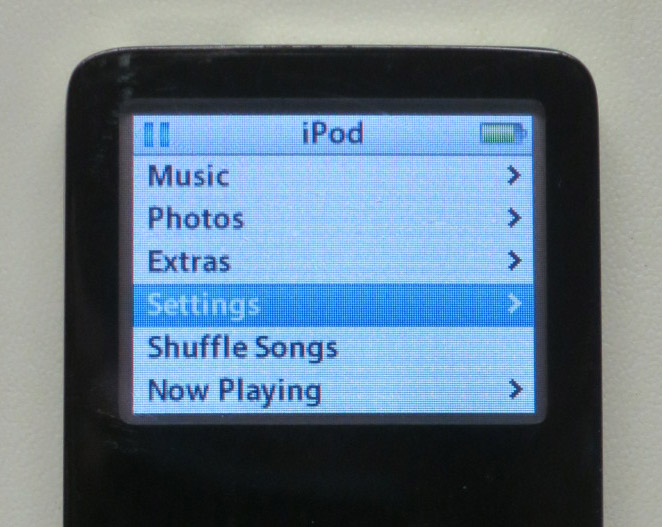
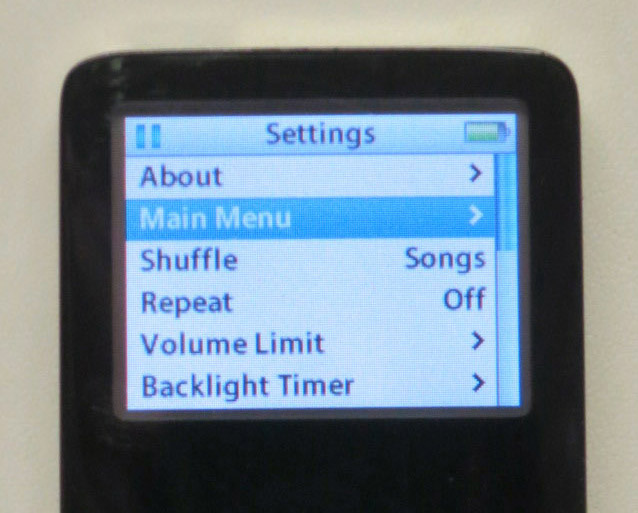
Finally, after four years, I understand what the problem was. It’s not a bug, it’s a “feature”. Podcasts typically all have an obscure setting called Skip when shuffling turned on. Since I always had Shuffle Songs turned on, I could never play any podcasts as part of a playlist. The only way to play a podcast was one at a time. I now understand that firmware 1.1.1 was the last release for the Nano that didn’t implement the Skip when shuffling bit. It sure would have been nice if Apple had been telling us what changed in each firmware release.

Somebody at Apple decided, in their infinite wisdom, that nobody would ever want to shuffle podcasts. Well, hello, I do! I can understand that you might not want certain tracks to play in rotation, but when they are chosen by the user to be in a playlist, the user has spoken, and his choice should be honored.

There are a couple of things Apple could do about this. The best would be to fix iPod firmware to ignore Skip when shuffling when playing a playlist, but honor it when the user is playing everything on the iPod in shuffle mode. Another way would be an option in iTunes to clear the Skip when shuffling bit when downloading podcasts, or when creating a playlist.

Meanwhile there is a work-around. When you have your podcasts downloaded, before syncing them to the iPod, Select All in the playlist, Get Info, and click the options tab, and then select no for Skip when shuffling. When you apply this, it will get rid of the pesky Skip when shuffling bit on all tracks in the playlist.

This is a poor workaround, since the Skip when shuffling attribute is removed from those files, not just within the playlist, but in your entire library, and all devices syncing with your library. I approve of the designed behavior of Skip when shuffling in general, but it should not apply inside a playlist.

Does anyone know if this problem is the same on other iPod versions?

-Jamie Cox

Google Buzz
Tagged with:
May 11

Mom was having some issues with her iPod Shuffle (2nd generation). I worked on it, but it was still not making reliable connection via USB. So, she wanted to buy a new iPod. I helped her pick one out, and she chose the iPod Shuffle again, this time the 3rd generation. This new one has the much-maligned control on the cord.

Some folks that want to accessorize their iPod with different earbuds don’t like the proprietary cord, but I’m here to tell you that this product made my mom very happy. She’s figured out how to work everything, and she especially likes having playlists, which the previous Shuffle lacked. There’s a lot to be said for the minimalist user interface. Not having a screen is a positive advantage for older folks who would have trouble seeing it anyway.

The problem with the old one was in the headphone jack/USB jack. I took it apart, and there was some cracked plastic, which I managed to reinforce with some metal and some epoxy. This was nearly a miracle, since this thing is really tiny. When you get it apart, it’s about 2/3 battery, which doesn’t leave much room for anything else. It does look like the jack is the weak point, and since you have to plug and unplug every time you switch between listening and charging, it is likely to be the first thing to fail.

Anyway, she’s happy with the new one, and the old one seems to be working as well now.

Google Buzz
Tagged with: